RingPost Content Studio
Photos and videos.
Made for your business.
Show customers what makes your business worth choosing. Create images and videos from your knowledge, reference photos and ideas—or let RingPost prepare your daily content.
Images · Videos · Reference photos · Brand voice · Daily automation
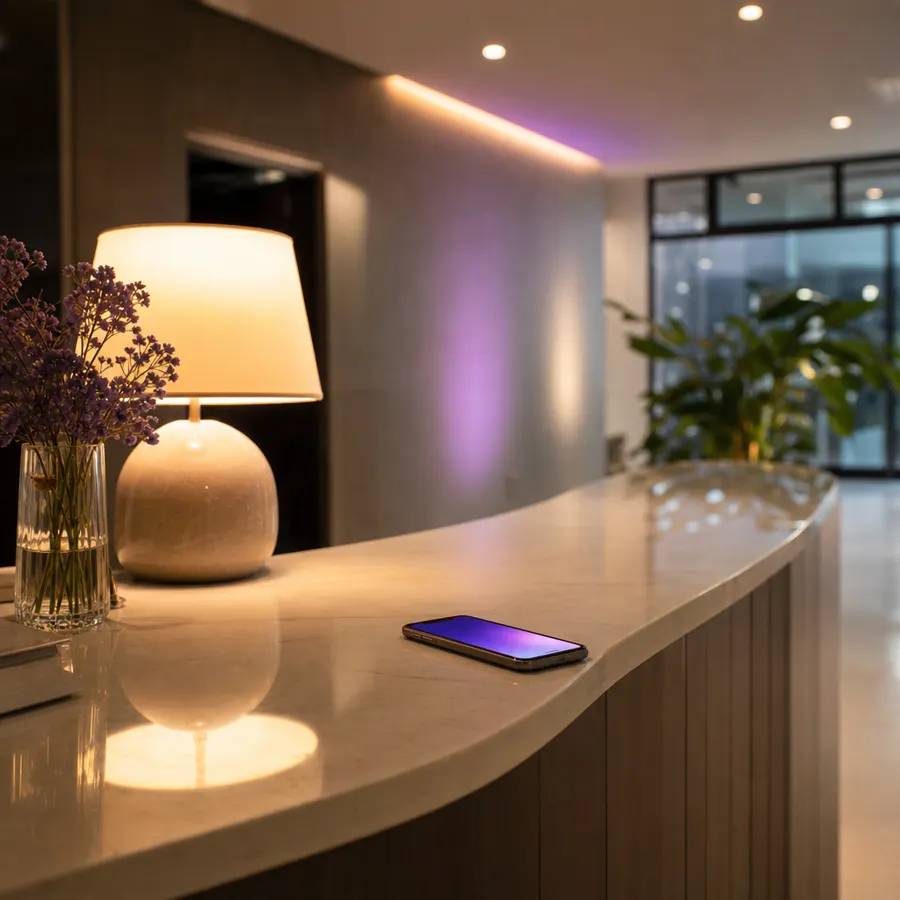
Your space. A new creative direction.
From knowledge to creative
Less blank canvas.
More of your business.
You should not have to explain your business from scratch every time you need a post. RingPost brings your saved knowledge into the creative process, so the idea, subject and caption have the same starting point.
Your business knowledge
The context behind the creative
What you offer
Services · Products · Approved offers
How you sound
Warm · Considered · Welcoming
Your visual identity
Colours · Logo · Reference photos
Your boundaries
Words to avoid · Claims to check
Your real offer
Build content around your listed services and products. Approved offers provide the terms; the AI is instructed not to invent a discount or promise.
Your voice and visual direction
Set a tone, preferred colours and words to avoid. Add reference photos when the real setting, product or identity matters.
One knowledge base, many uses
The same business context supports customer replies, captions, campaign ideas and creative briefs. Update a fact once instead of rewriting every prompt.
How creation works
An idea in. A useful piece of content out.
Teach it your business
Add your services, products, opening hours, brand voice and approved offers. Your AI uses this shared knowledge to develop content around what you actually sell.
Bring an idea or a reference
Describe the image or video you have in mind, choose a suggested format, or add photos of your real product, team or space. References help preserve the details that make the business yours.
Generate and refine
Choose an image or video, select its format and review the generation details in your dashboard. Explore a different angle or refine your brief when the first result needs work.
Review, download or post
Your content lands in the Media Library. Keep it for later, download it, or send it into Posting for platform captions, approval and scheduling.
Images and motion
Choose the format.
Keep the creative direction.
Use images for a product detail, a service spotlight or a seasonal message. Use video for a reveal, a walkthrough or a closer look at your work. Your dashboard gives you the generation controls and shows the credit requirement before you start.
- Write a brief yourself or start from a suggested idea
- Use reference photos for products, spaces and visual identity
- Choose portrait, square or landscape formats
- Review the result before using it publicly

A still image for the detail.
A moving story for the feeling.
Your content rhythm
Something ready.
Without the blank-page ritual.
Enable automatic content creation to give your Media Library a steady flow of ideas about your business. The automatic routine targets three pictures each day and one 30-second video each week.
Automatic output depends on an eligible plan, enabled automation, available credits and configured providers. Review your current settings in the dashboard. Creation and public posting have separate controls.
See how posting worksYour creative week
M


T
W
T
F
S
S
One 30-second video each week
Three scenes. One coherent business story.
3 pictures daily · Ready for review in your Media Library
Creative possibilities
Different businesses.
One thoughtful creative process.
Explore images and generated videos by industry. Start with stays and venues, or choose the kind of business you run.
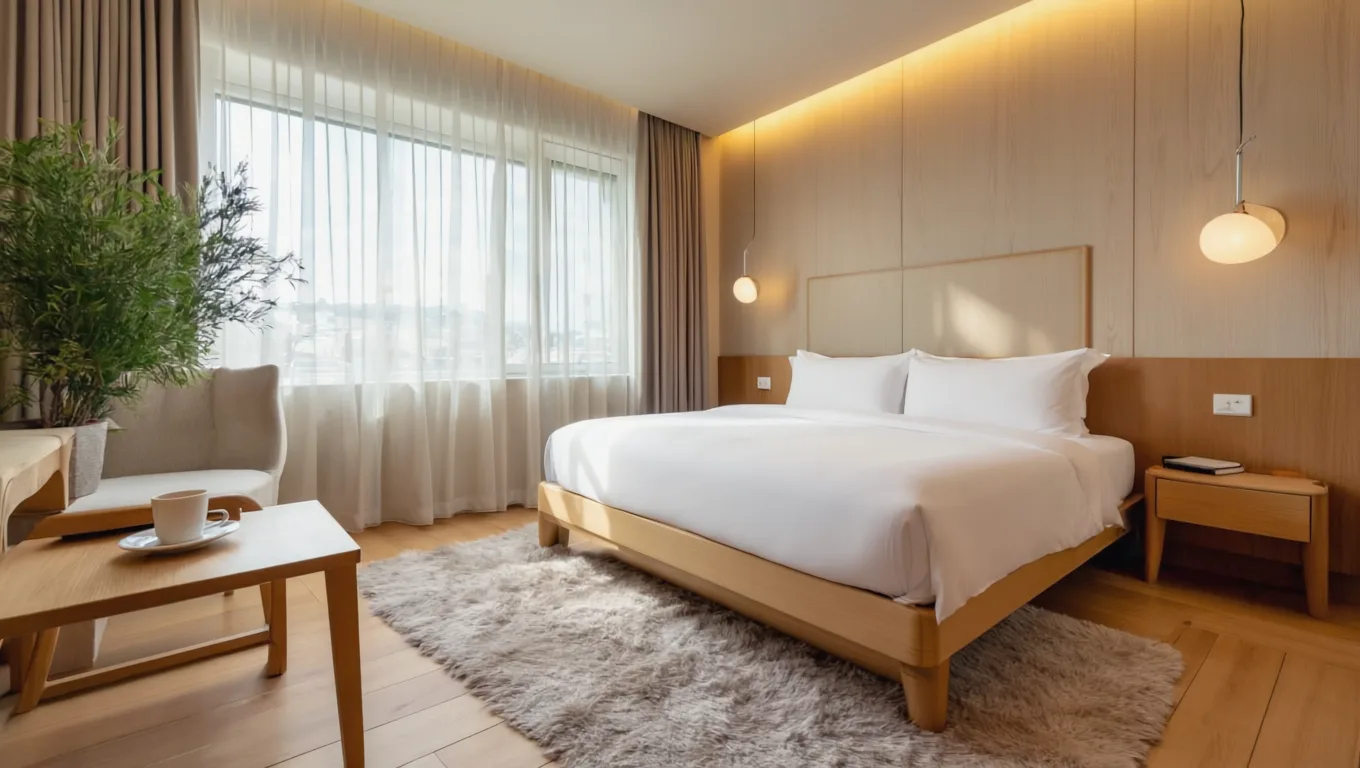
Made for stays and venues
- Space tours
- Seasonal moments
- Guest reviews
- Last-minute availability
Before you create.
Does it know my business already?
It uses the business knowledge you have saved in RingPost, including your offer, brand voice and approved business facts. Add the details and reference photos that matter before generating.
Can I make content myself as well as use automation?
Yes. Describe an idea or select a suggested format in your dashboard. Automatic creation is a separate setting; all generation remains subject to your plan and available credits.
Does generating content publish it?
Generation adds content to your Media Library. Publishing requires your chosen destinations and approval settings. Use Posting to review captions and choose when approved content should go live.
Where are models and credit costs shown?
Your dashboard shows the available models, generation options and credit requirement before you create. The public site focuses on the workflow and results.