No DM left on read
Every message gets a helpful answer, even at 11 pm.
Instagram DMs
People see your posts, then send a DM to ask the price. RingPost answers every one, day and night, and books them in before they scroll on.
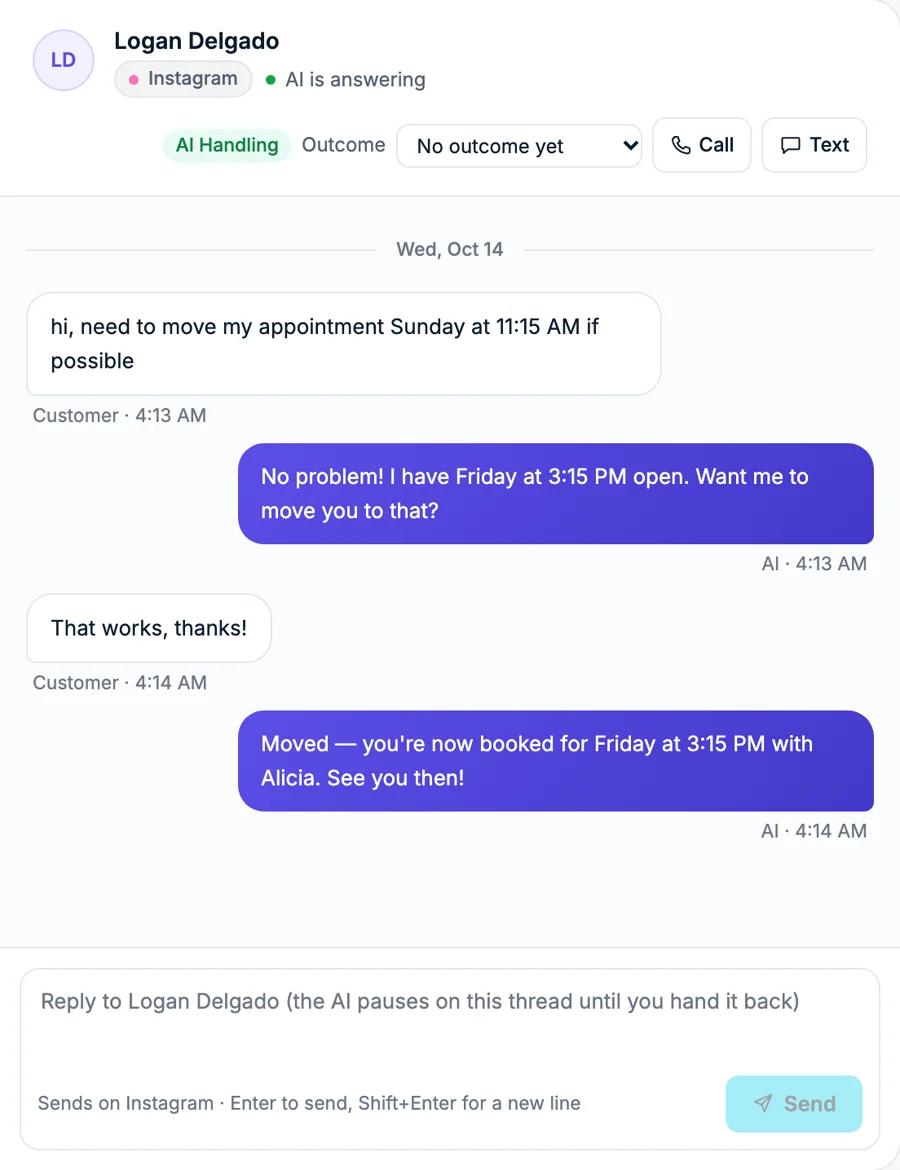
Day and night
Instagram DMs answered while you work or sleep
What it does for your business
Every message gets a helpful answer, even at 11 pm.
Questions about what they saw in your post are answered and booked in the same chat.
Comments on your posts come to the same place, with a reply drafted for you.
Connect with your Instagram login. No Facebook Page needed.
How it works
Comments and DMs are answered, and you see which post brought the customer.
Made in Content Studio or uploaded by you, posted from RingPost.
Questions get a reply drafted or sent, in your voice.
Prices and free times, right in the chat.
Views, likes and comments per post, in Insights.
How it works
Questions
No. Instagram connects with your Instagram login.
Yes. Comments on your posts arrive with a reply drafted for you to approve.
It tells the customer the team will reply, puts the chat under Needs you and alerts you.