Fast replies
A quick answer keeps people on your Page instead of a competitor's.
Facebook Messenger
Messages to your Facebook Page get a fast, friendly answer from your own information, and a booking when they want one.
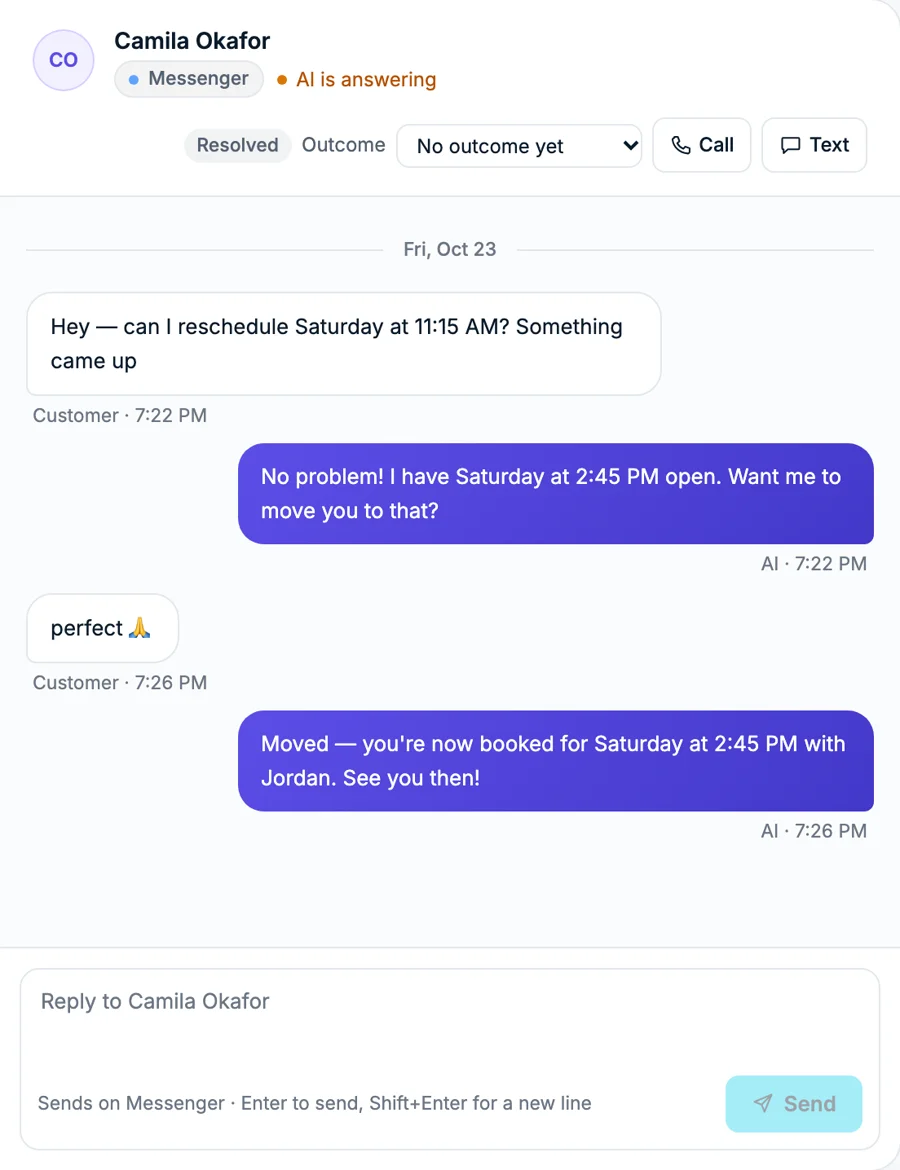
One inbox
Messenger alongside calls, WhatsApp, Instagram, texts and email
What it does for your business
A quick answer keeps people on your Page instead of a competitor's.
Availability and booking, without leaving the conversation.
The same prices and policies as on the phone and WhatsApp.
Messenger chats sit next to every other channel.
How it works
Connect your Page once. Messages and comments are handled from then on.
From Facebook, Messenger or an ad.
From your own knowledge, never made up.
Books the slot, or tells you when a person is needed.
Next to every other channel, with the full history.
How it works
Questions
A Facebook Page for your business. You connect it with your Facebook login.
Only if you use Social posting and approve the post, or switch on autopilot.
Yes. Reply from the inbox and the AI steps back on that chat.